Frontend hosting
4.3.2 Frontend hosting
AWS Amplify Console after terraform apply
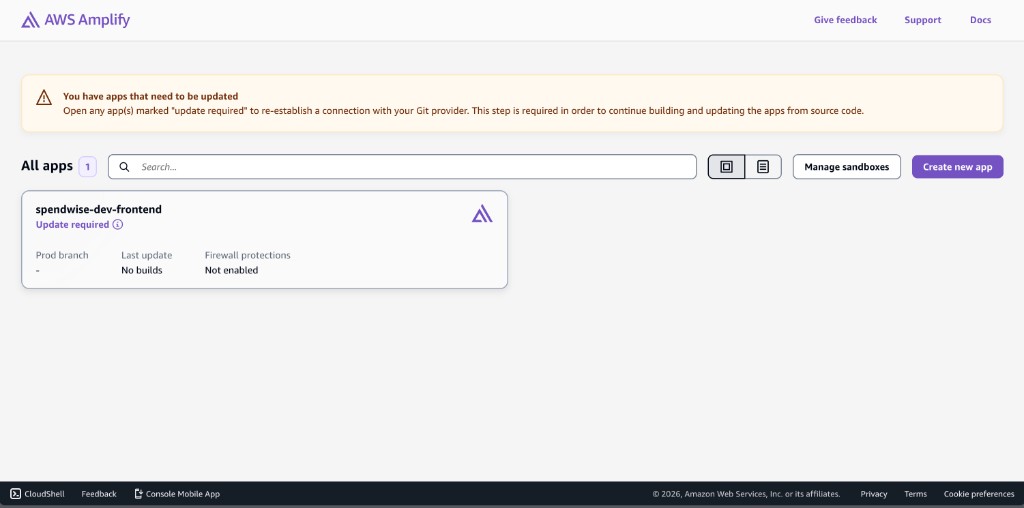
After a successful terraform apply, open AWS Amplify in the Region you deployed to (e.g. US East (N. Virginia), region code us-east-1). The All apps page lists the app Terraform created; the UI may look like this:
After you open the app, the Overview page shows the main branch; open that branch to deploy.
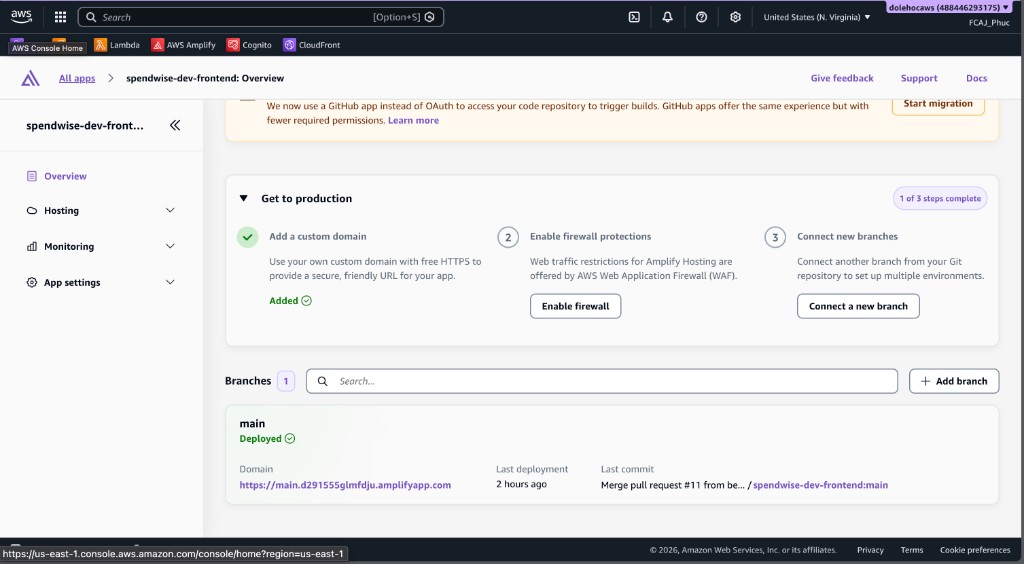
After the main branch build succeeds, open the app from the default Amplify domain for that branch (typically main.…amplifyapp.com; the full URL appears on the branch page in the Amplify console).
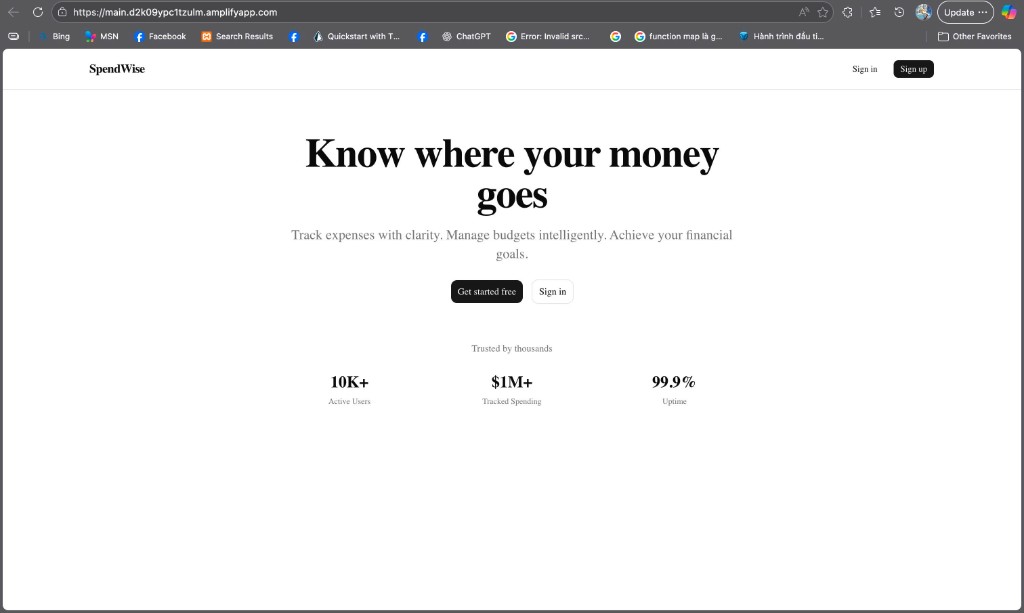
If the landing page renders as above, frontend hosting on Amplify is serving the build. The amplify.yml and Amplify/CloudFront notes below cover the build spec; backend deployment (ECR, ECS, migrations) and the sign-up / Cognito confirm walkthrough are in 4.3.3 Deploy backend.
Build specification: amplify.yml
Amplify Hosting does not guess your monorepo layout. The build spec at the repository root — file amplify.yml in SpendWiseApp — tells Amplify which folder is the Next.js app and how to install dependencies, build, and which directory to publish.
# SpendWiseApp/amplify.yml (repository root)
version: 1
applications:
  - appRoot: frontend
    frontend:
      phases:
        preBuild:
          commands:
            - npm install --legacy-peer-deps
        build:
          commands:
            - npm run build
      artifacts:
        baseDirectory: .next
        files:
          - '**/*'
      cache:
        paths:
          - node_modules/**/*
          - .next/cache/**/*
| Block | Role |
|---|---|
| appRoot: frontend | The Next.js app lives under frontend/; Amplify runs commands from that directory. |
| preBuild → npm install –legacy-peer-deps | Installs dependencies before compile; –legacy-peer-deps avoids strict peer-resolution failures common in mixed Next.js workspaces. |
| build → npm run build | Produces the production Next.js output (including the .next tree Amplify serves for this hosting pattern). |
| artifacts.baseDirectory: .next | Declares the publish root for the generated site artifacts (aligned with how this app is built for Amplify). |
| cache.paths | Speeds up repeat builds by reusing node_modules and .next/cache between builds. |
Build-time environment variables: Values such as NEXT_PUBLIC_API_URL are injected by Terraform into the Amplify app environment, but they are baked into the client bundle at build time. After you change API URL variables in Terraform or the Amplify console, trigger a new deployment (rebuild) so the browser loads a bundle that matches the backend URL. Build behavior itself is defined in amplify.yml; variable values come from Terraform / Amplify app settings.
Why CloudFront for the API (mixed content)
The frontend on Amplify is served to browsers over HTTPS. Browsers enforce mixed content rules: a page loaded over HTTPS must not load subresources or call APIs over plain HTTP in ways that are treated as active content (for example fetch / XHR to an http:// API). If the SPA called the NestJS API over HTTP using the raw ALB hostname, the browser would block or warn, and the app would break or behave inconsistently across browsers.
Options in this stack:
HTTPS on the ALB with your own hostname — Use alb_acm_certificate_arn (ACM in the same region as the ALB), validate the certificate in DNS, point a hostname at the ALB, and set alb_public_api_base_url. That is the right long-term pattern when you control a domain; it is more moving parts for a short lab.
CloudFront in front of the ALB (enable_api_cloudfront = true) — Terraform creates an Amazon CloudFront distribution with the default CloudFront certificate, so the API is reachable at an https://dxxxx.cloudfront.net URL without buying a domain or attaching ACM to the ALB. The browser sees HTTPS → HTTPS, so mixed content is resolved. Depending on how the modules wire the origin, the ALB can remain HTTP-only behind CloudFront while the user-facing API URL is always HTTPS.
Why CloudFront is a good fit for workshops and dev: it delivers a stable HTTPS URL quickly, matches Amplify hosting the frontend over HTTPS only, and avoids ACM DNS validation delays when you only need a working lab. Trade-offs include an extra network hop and CloudFront–origin configuration to understand; for production with a owned domain, ACM + ALB or a custom CloudFront setup is often preferred — see 4.2.2 and 4.2.3.
Related design (Amplify, API URL): 4.2.2 Frontend hosting and user authentication.